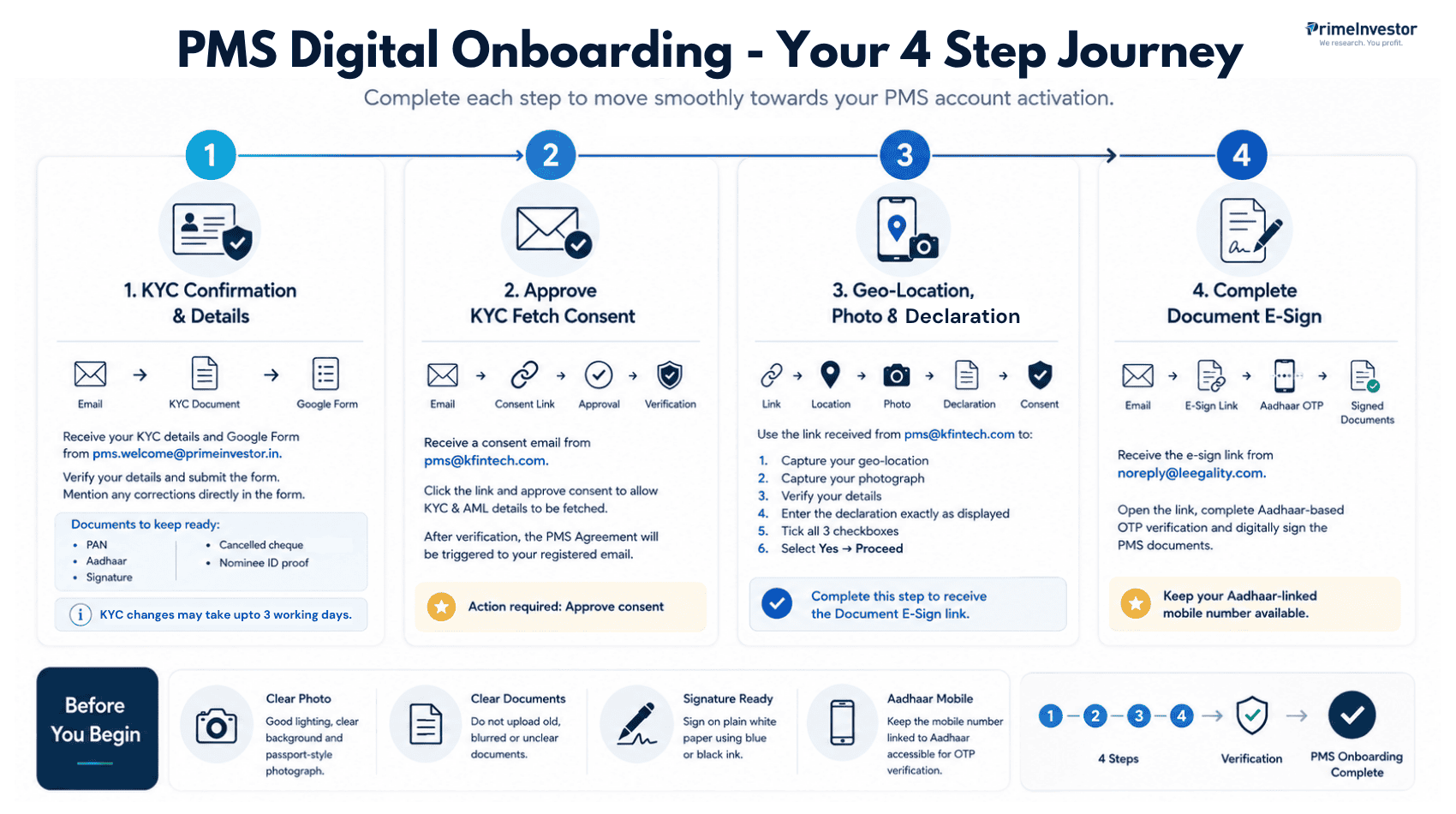
PMS Digital Onboarding
Complete these 4 simple steps to activate your PMS account.
KYC Confirmation & Details
Receive your KYC details and Google Form from [email protected].
Verify your details and submit the form. Mention any corrections directly in the form.
- PAN
- Aadhaar
- Signature
- Cancelled cheque
- Nominee ID proof
Approve KYC Fetch Consent
Receive a consent email from [email protected].
Click the link and approve consent to allow KYC and AML details to be fetched.
After verification, the PMS Agreement will be triggered to your registered email.
Geo-Location, Photo & Declaration
Use the link received from [email protected] to complete the verification.
- Capture your geo-location
- Capture your photograph
- Verify your details
- Enter the declaration exactly as displayed
- Tick all 3 checkboxes
- Select Yes → Proceed
Complete Document E-Sign
Receive the e-sign link from [email protected].
Open the link, complete Aadhaar-based OTP verification and digitally sign the PMS documents.
4 Steps → Verification → PMS Onboarding Complete
Once all four steps are completed and verified, your PMS onboarding process is complete.
Frequently Asked Questions
What documents are required for PMS onboarding?
The following documents are required to complete the KYC process for opening a demat account for PMS:
- PAN Card
- Aadhaar Card
- Cancelled Cheque
- PAN/Aadhaar proof of the nominee
- Wet signature, wherever required
Who is the onboarding partner?
KFintech is our onboarding partner.
How long will it take to complete the onboarding process?
The onboarding process can be completed within 2 hours for Resident Indians (RI), provided the KYC is already validated. If any KYC modifications are required, the onboarding will be completed after the changes are made and the KYC is successfully validated.
KYC modifications can be completed online through the link provided. We will guide you through the process.
What documents do I need to sign during onboarding?
As per the applicable SEBI guidelines, the PMS documents can be digitally signed using Aadhaar-based eSign through the Protean platform.
What custodian/depository will hold my securities (CDSL or NSDL)?
ICICI Bank is our Depository Participant (DP), and the demat account is maintained with NSDL.
How do I transfer my initial corpus after the account is set up?
Once the ICICI demat account is created, we will share the Virtual Account details along with the CML copy for transferring funds to the designated PMS Bank Account.
How will I track my portfolio after onboarding?
Clients can view their holdings at any time through the dashboard using the login credentials shared with them. The login credentials will be automatically provided to the client within T+2 business days from the date of deployment. We will also share regular portfolio statements for their reference.